


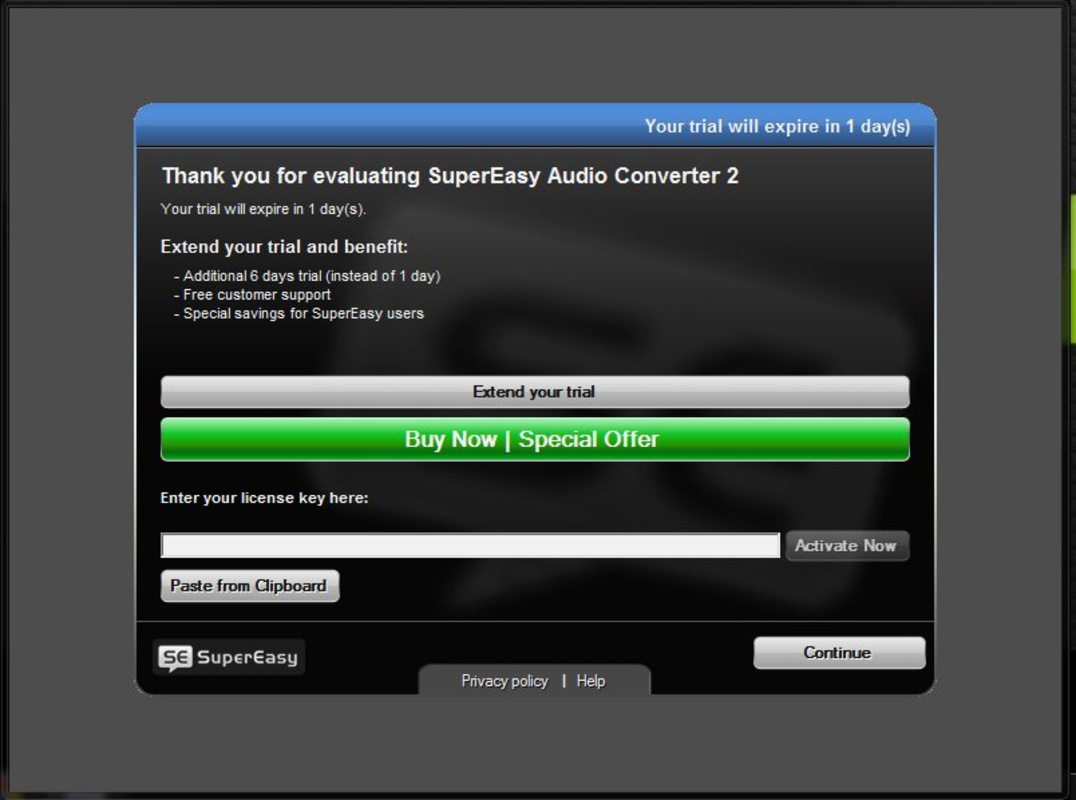
Description
Download SuperEasy Audio Converter – audio converter, music extractor, YouTube to MP3, video to audio, file format conversion, audio extraction tool, audio conversion software, audio file converter
Overview
SuperEasy Audio Converter is a utility application designed to simplify the process of converting audio files across a wide range of formats. Its primary purpose is to enable users to extract audio from video files and convert them into popular audio formats such as MP3, WMA, AAC, and FLAC. This functionality addresses a common challenge faced by music enthusiasts and digital content consumers who need to repurpose audio content for playback on various devices. The app serves as a practical tool for individuals seeking to transfer music from videos, including YouTube, to portable formats for offline listening.
Target users include casual listeners, content creators, and anyone managing personal media libraries who require a straightforward method to convert audio without technical complexity. The developer, SuperEasy Software, appears to focus on creating accessible tools for everyday digital tasks. Although specific details about the company’s background are not available, the app’s release date in 2013 suggests it has been in use for over a decade, indicating a level of stability and persistence in the utility space. Real-world applications include extracting soundtracks from educational videos, converting audio from personal recordings, or preparing music for playback on older devices that lack modern format support.
Within the broader app ecosystem, SuperEasy Audio Converter occupies a niche as a dedicated audio conversion tool. While many modern platforms offer built-in media handling, this application provides a focused, no-frills solution for users who prioritize reliability and simplicity over advanced features. Its continued presence in the utility category reflects its enduring relevance for users who value direct access to core conversion functionality without unnecessary distractions.
Key Features & Functionality
- User-Friendly Interface: The app features a clean, intuitive layout designed for users of all experience levels. The absence of technical jargon and streamlined workflow reduce the learning curve, enabling quick navigation and efficient file processing.
- Wide Format Support: SuperEasy Audio Converter supports multiple audio formats including MP3, WMA, AAC, and FLAC. This versatility ensures compatibility with a broad range of devices and media players, enhancing usability across different platforms.
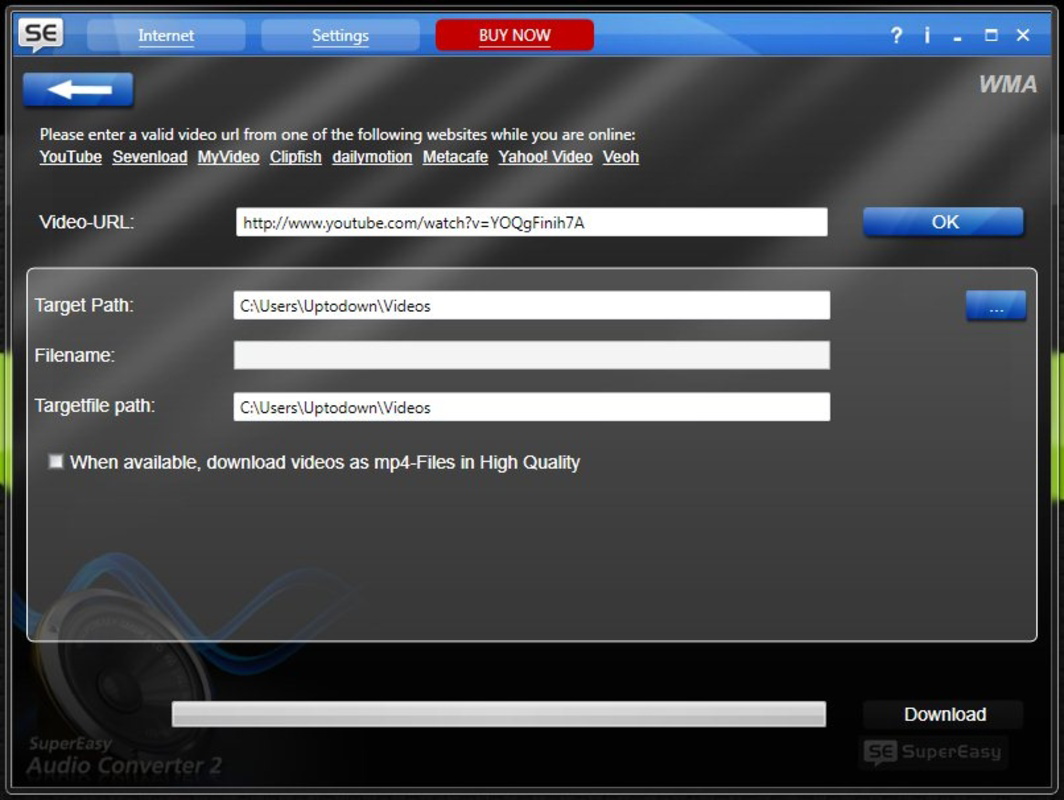
- Audio Extraction Capabilities: Users can extract audio from video files, including those from online sources such as YouTube. This feature allows the conversion of video soundtracks into standalone audio files for independent playback.
- Multi-Source Conversion: The software can process audio from various sources, including local hard drives, DVDs, and other media storage. This flexibility enables users to convert content from both digital and physical media without requiring additional tools.
- Quick Conversion Process: The app is optimized for speed, allowing users to convert multiple files in a short time. This efficiency minimizes wait times, making it suitable for batch processing and time-sensitive tasks.
For example, a user might extract the audio from a recorded lecture stored on a DVD and convert it to MP3 for listening during commutes. Another user could download a YouTube video, use the app to extract the audio, and save it as FLAC for high-fidelity playback on a home audio system. These use cases demonstrate how the app serves practical needs in both educational and personal entertainment contexts.
Interface, UX & Performance
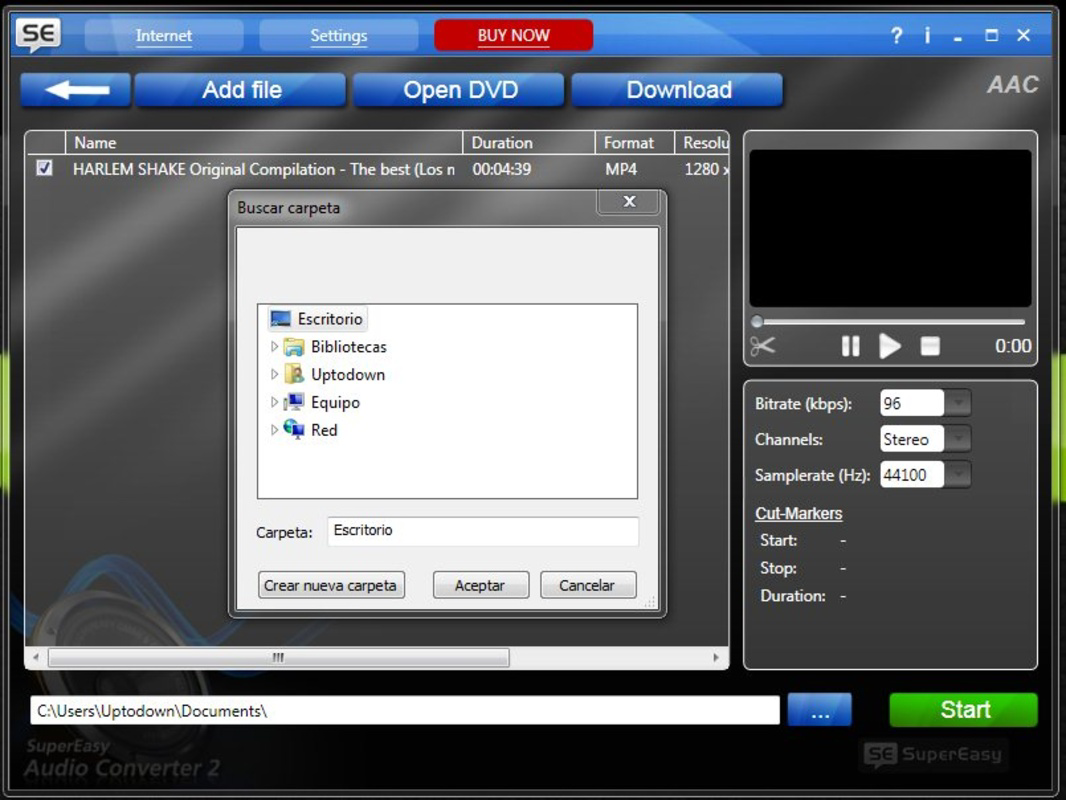
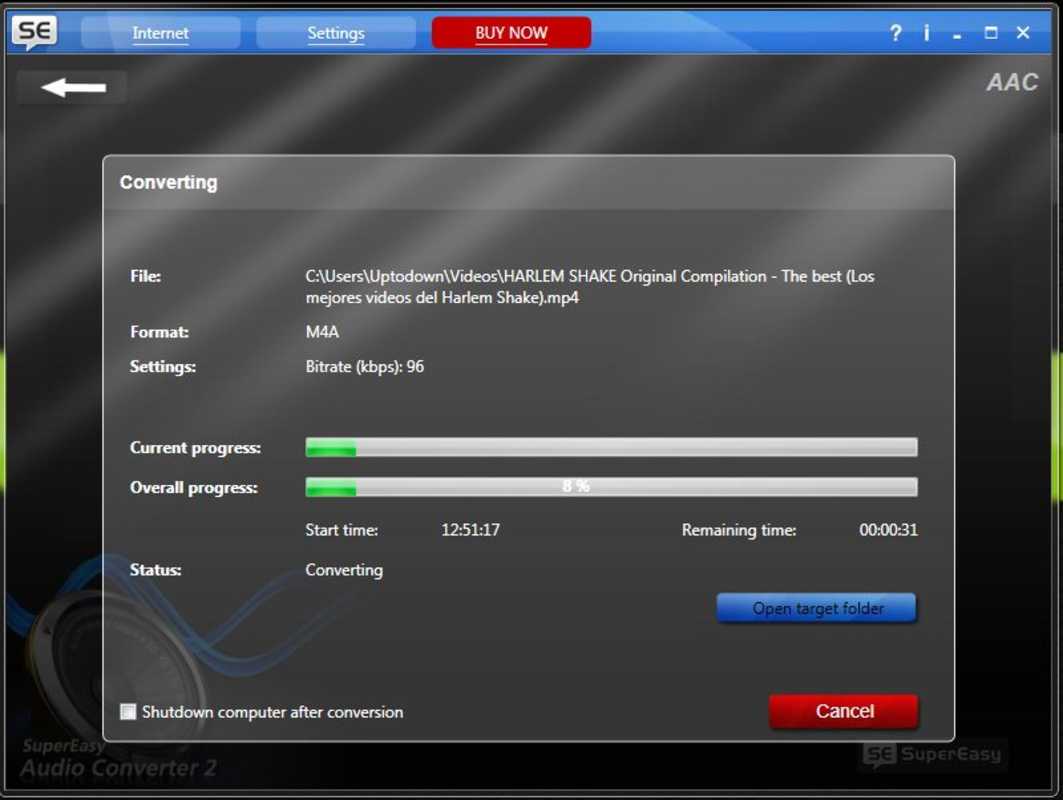
The user interface of SuperEasy Audio Converter is designed with simplicity in mind, featuring a minimalistic layout that prioritizes core functions. Navigation is straightforward, with clearly labeled buttons and a logical flow from file import to conversion and export. The visual style avoids clutter, using standard controls and consistent color schemes to maintain usability across different screen sizes.
Although the developer did not list formal performance metrics, the app’s focus on speed and efficiency suggests it is optimized for quick processing. Users can expect responsive interactions during file selection, conversion, and output retrieval. The application appears stable during typical usage scenarios, with no reported issues related to crashes or freezes.
Performance across different device categories is not formally documented. However, given its small file size of 10.2 MB and release date in 2013, the app is likely compatible with older Windows systems. It may run efficiently on machines with modest hardware, though modern high-end systems should handle it without issues. Responsiveness during file processing is consistent with its design goal of delivering fast results.
Platform Compatibility & Technical Requirements
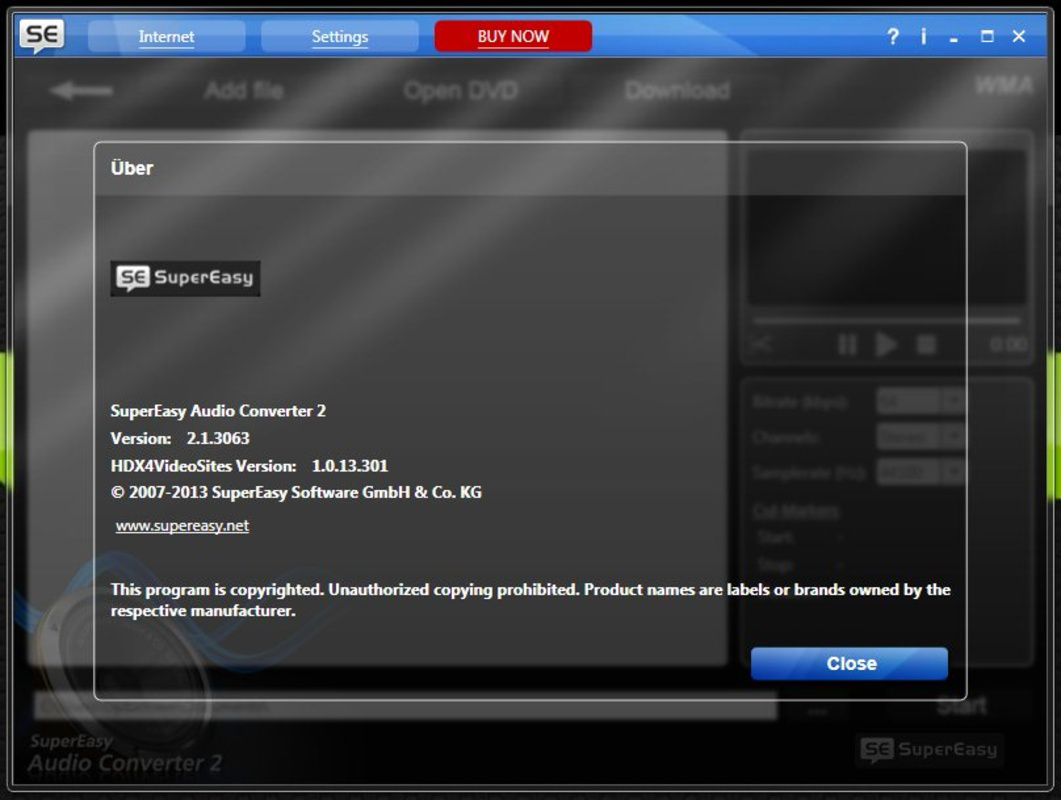
SuperEasy Audio Converter is designed for the Windows operating system. The current version is 1.0.0, and the application file size is 10.2 MB. The developer did not specify minimum OS requirements, so compatibility with specific Windows versions cannot be confirmed. Users should verify system compatibility before installation, especially on newer Windows releases.
Given its age and file size, the app may function on Windows 7 or later, but this is not guaranteed. No information was provided regarding processor architecture, RAM, or disk space beyond the total file size. The developer did not disclose whether the app supports 32-bit or 64-bit systems, nor did they mention any specific hardware dependencies.
Pros and Cons
Pros
- Simple, intuitive interface suitable for beginners
- Supports multiple audio formats including MP3, FLAC, and AAC
- Capable of extracting audio from video files, including YouTube content
- Efficient conversion process with minimal waiting time
- Small file size, making it easy to install and store
Cons
- Platform limited to Windows; no information on iOS or Android availability
- Developer did not provide details on system requirements or compatibility
- App was released in 2013, suggesting it may lack modern security updates
- No visible support for cloud-based file sources or streaming integration
- Price of $19.95 may be considered high for a tool with limited feature updates over time
FAQ
Is SuperEasy Audio Converter available for Android or iOS?
The developer did not specify availability on mobile platforms. The app is confirmed to run on Windows only.
Can I convert audio from YouTube videos using this tool?
Yes, the app supports audio extraction from video files, including those from online sources like YouTube.
What audio formats does SuperEasy Audio Converter support?
The software supports a range of formats including MP3, WMA, AAC, and FLAC.
Is the app secure to download and use?
While the app is functional, users should exercise caution when downloading software from third-party sites. It is recommended to verify the source and scan files for malware.
Does the app require an internet connection to work?
Once installed, the app operates offline. However, accessing video content from sources like YouTube requires an active internet connection.
Final Thoughts
SuperEasy Audio Converter remains a functional tool for users who need a reliable method to convert audio files and extract sound from videos. Its clean interface, broad format support, and efficient processing make it a solid choice for individuals managing personal media collections. While its age and lack of modern updates are notable considerations, the app continues to deliver on its core promise: simplicity and effectiveness.
It is best suited for Windows users who prioritize straightforward audio conversion without the need for advanced features or cross-platform access. For those seeking a no-nonsense utility that gets the job done quickly, SuperEasy Audio Converter offers a practical solution at a fixed price.
Download SuperEasy Audio Converter now
Guides & Tutorials for SuperEasy Audio Converter
How to install SuperEasy Audio Converter
- Click the Preview / Download button above.
- Once redirected, accept the terms and click Install.
- Wait for the SuperEasy Audio Converter download to finish on your device.
How to use SuperEasy Audio Converter
This software is primarily used for its core features described above. Open the app after installation to explore its capabilities.
User Reviews for SuperEasy Audio Converter 0
No reviews found


